
Accessibility in Moodle
Making Moodle Accessible: Tips, Tools, and Solutions for Inclusive eLearning
On this page, you will find the following topics:
Why is accessibility important?
Digital accessibility creates learning opportunities that are accessible and usable by everyone. With Moodle, Brickfield, and ReadSpeaker, inclusive learning environments are created in accordance with WCAG 2.2 Level AA—making them more convenient for people with disabilities and, at the same time, better for all learners.
Accessibility is what makes digital learning accessible to many people in the first place. Around 1.3 billion people worldwide live with a significant disability—that is about 16% of the global population, or 1 in 6 people (Source: World Health Organization).
In the European Union, approximately one in four adults has a disability or impairment, making accessible learning opportunities a matter of great social importance (Source: Council of the European Union). In addition, there are people with temporary limitations.
Features such as captions, clear navigation, and high contrast improve the usability of e-learning not only for people with disabilities, but also for older adults, mobile users, and people in distracting learning environments.
Accessible content often improves overall educational quality as well, because clearly structured and easily understandable content supports the learning process for everyone.
Legal requirements such as the European Accessibility Act (EAA) or, in Germany, the Act on Strengthening Accessibility (BFSG) are increasing the pressure on organizations to provide accessible digital learning resources.
How accessible is Moodle?
Moodle is committed to continuously improving accessibility. The goal is to provide everyone with the same features and information. There should be no barriers, regardless of disabilities, assistive technologies, different screen sizes, or input devices.
Moodle officially meets the requirements of the Web Content Accessibility Guidelines (WCAG) 2.2 at Level AA.
What does WCAG 2.2 Level AA mean?
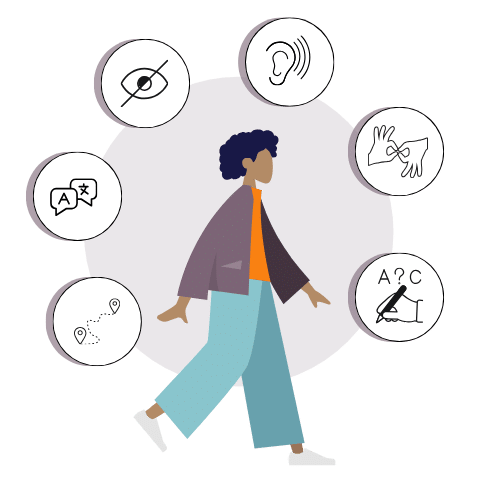
The WCAG guidelines of the World Wide Web Consortium (W3C) define international standards for digital accessibility. Version 2.2 builds on WCAG 2.1 and, among other things, strengthens accessibility for people who:
- Use keyboard or screen reader
- have motor impairments
- work with touch devices
- need cognitive support
Level AA covers the requirements that are generally mandatory in administration, educational institutions and publicly funded projects. Moodle fulfills these standards systematically and verifiably.
External testing and certification
WCAG compliance is verified by external auditors. This includes:
- Manual checks with assistive technologies
- Automated test procedures
- Representative tests in central Moodle areas
- Annual review and recertification
This ensures that the platform consistently meets current standards. The official certificate is available online.
The current certification applies to Moodle LMS versions 5.1, 5.0.3, and 4.5.7, as well as to Moodle Workplace 5.1, 5.0, and 4.5
Brickfield Accessibility Toolkit for Moodle
Review Content
Have your course content and exams automatically checked for accessibility issues.
Corrective actions
Update unclear or missing text for web links, image descriptions, and video captions in one step.
Accessible file formats
Provide your students with content in accessible formats such as audio, ePub, and electronic Braille.
Prioritize actions
Identify which activities have the most accessibility issues so you can prioritize your actions accordingly.
HTML corrections
Automatically correct outdated HTML tags.
Support for content creators
Practical tips for teachers on creating accessible content.
The Brickfield Accessibility Toolkit is a certified plugin for the Learning Management System . It was developed to analyze, improve, and future-proof the accessibility of e-learning content. It automatically scans course content and helps instructors remove digital barriers.
The basic version of the Brickfield Accessibility Toolkit is available for free on Moodle. The paid Premium and Enterprise toolkits are available via annual subscription and offer additional features that reduce your team’s workload through automation and reporting functions. They are ideal for ensuring long-term digital accessibility in your e-learning courses.
- The Brickfield Accessibility Toolkit automatically analyzes Moodle courses for accessibility issues.
- Content is checked for common issues such as missing alt text, contrast problems, or incorrect heading structures.
- Authors receive specific guidance and recommendations on how to improve their content.
- Progress and accessibility status can be evaluated transparently.
- The toolkit helps teams integrate accessibility into their content processes in a sustainable way.
How to enable the Accessibility Toolkit in Moodle
System-wide activation by system administrators:
- In the Moodle menu, go to Site administration > Plugins > Admin tools > Accessibility Toolkit.
- Register your Moodle site with Brickfield Education Labs to obtain the necessary API keys.

Good educational opportunities are open to everyone.
We'd be happy to assist you
eLeDia helps you design accessible courses, raises awareness among your users, and integrates the paid Brickfield tools. Tell us what you need—we look forward to hearing from you!
Quick Tips on Accessibility
Moodle promotes accessible learning by adhering to WCAG 2.2, Level AA guidelines and offering features such as customizable themes, keyboard navigation and screen reader compatibility. This ensures that learners with different needs can easily access content and participate in the learning process.
ReadSpeaker – Text-to-Speech directly in Moodle
ReadSpeaker for Moodle is a certified text-to-speech (TTS) plugin that converts written text in Moodle courses into natural-sounding speech with a single click. It promotes accessibility, improves reading skills, and supports mobile learning.
Learners can listen to content with a single click, follow along with the text in real time, and customize the display—such as font size, colors, or reading speed. Additional features include text translation, MP3 downloads for offline use, and access via the Moodle app.
ReadSpeaker Text to Speech for Moodle helps institutions comply with all accessibility requirements, such as WCAG 2.2, the Americans with Disabilities Act, and specific U.S. regulations such as Section 504 plans and IEPs. ReadSpeaker tools are also eligible for many assistive technology and accessibility grants.
Benefits of ReadSpeaker
- Certified Moodle Integration
- Seamless integration and easy to use
- High-quality, natural-sounding voices
- Support for exams, improved accessibility, and optimal conditions right within the Moodle environment
Accessible e-learning provides access for everyone
We'd be happy to assist you
By integrating ReadSpeaker into your Moodle, you can promote inclusion while also increasing learning flexibility for your students. We’d be happy to advise you on the implementation.
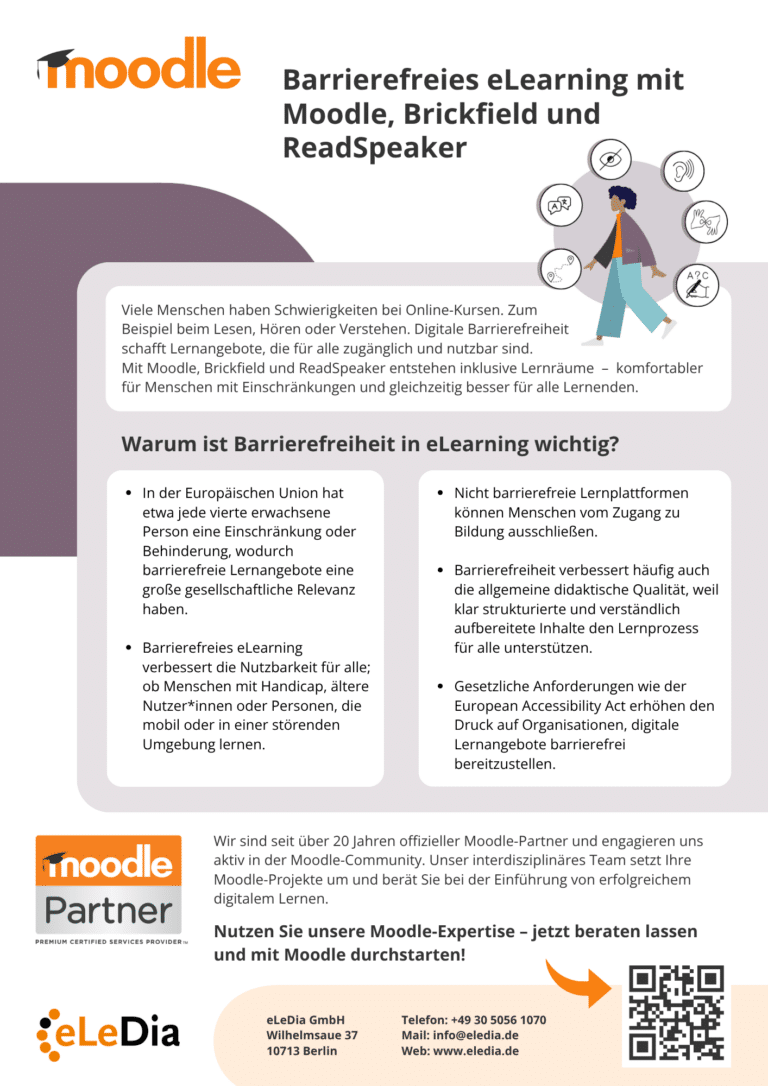
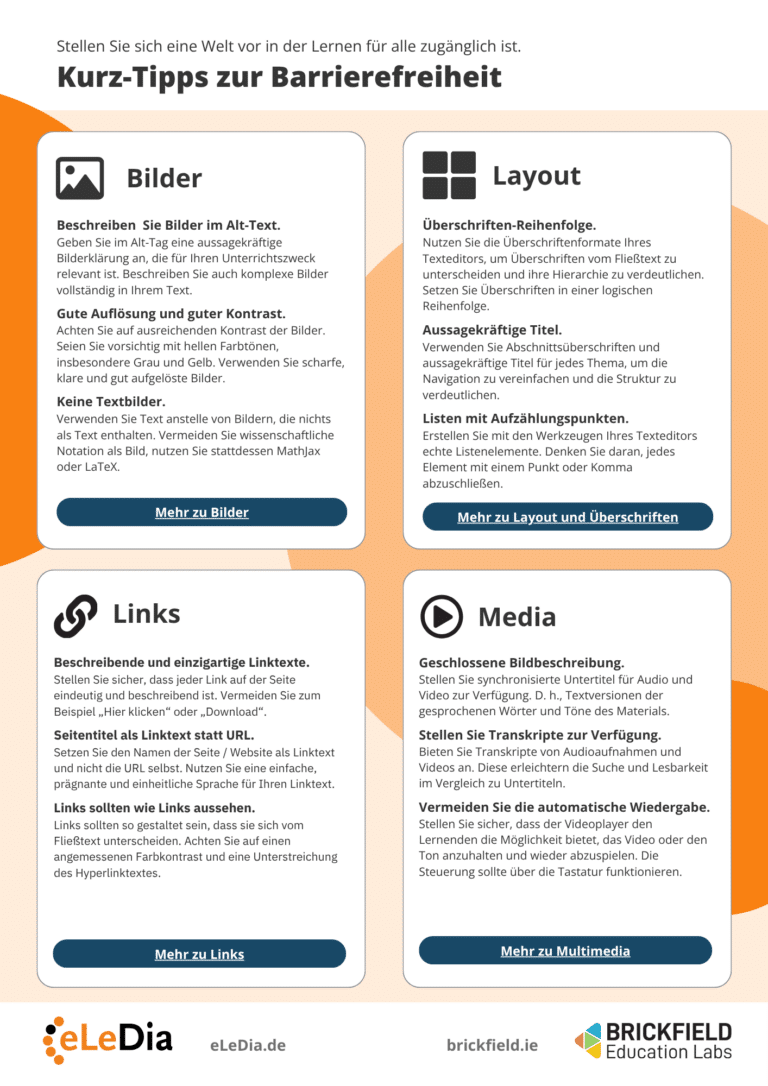
Information Sheet
We have compiled the information on this page into an accessible PDF document for you.
Accessibility in Moodle - we support you
Accessible Content with H5P
Continue Your Training Now! Additional Module: Accessible Content with H5P in Moodle for Your Instructors, Trainers, or Administrators.
eLeDia - Your partner for successful eLearning with Moodle for over 20 years
What can we do for you?
As an official Moodle Premium Partner, eLeDia brings years of experience and in-depth expertise to your digital learning projects. Our interdisciplinary team supports you in the implementation and rollout of customized Moodle solutions—from the initial consultation through to ongoing operations. We are actively involved in the Moodle community and uphold the highest educational and technical standards. Benefit from over two decades of experience and comprehensive Moodle expertise.





Your trust, our responsibility
eLeDia is certified according to ISO/IEC 27001. This ensures that all areas - from hosting and individual development to support - meet the highest security standards. We guarantee the protection of sensitive data through external audits.
Where Moodle connects with people and fosters meaningful interaction.

Do you have any questions?
Get to know us in our info webinars or write to us directly - we look forward to hearing from you. Together we will make your project a success.