Accessibility in Moodle - enabling digital learning for all
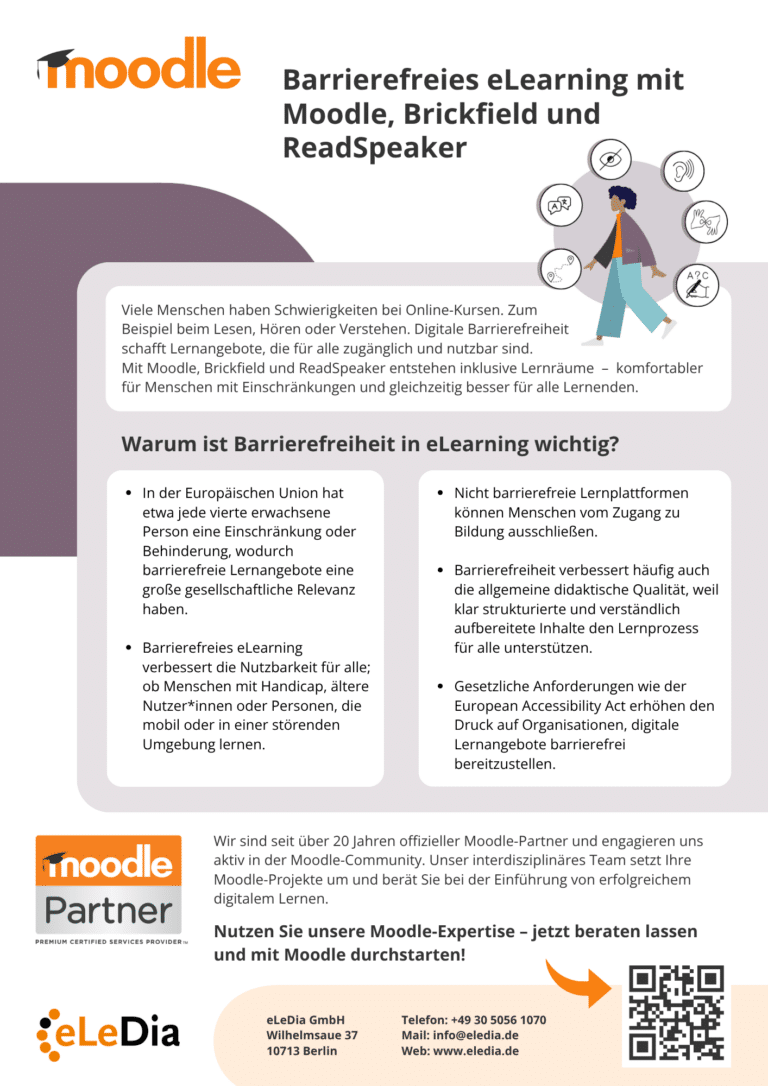
Moodle places great emphasis on inclusion and accessible learning. The platform meets the international standards for Web Content Accessibility Guidelines 2.2 (WCAG) at level AA, offers low-barrier themes, keyboard navigation and screen reader compatibility. This means that all learners - regardless of limitations - can access content on an equal footing and actively participate in digital lessons.
Information Sheet – Accessibility in Moodle
Moodle promotes accessible learning by complying with the WCAG 2.2 Level AA guidelines and offering features such as customizable themes, keyboard navigation, and compatibility with screen readers. This ensures that learners with diverse needs can easily access content and participate in the learning process.
Check out our page Accessibility in Moodle and learn how Moodle can support inclusive learning.
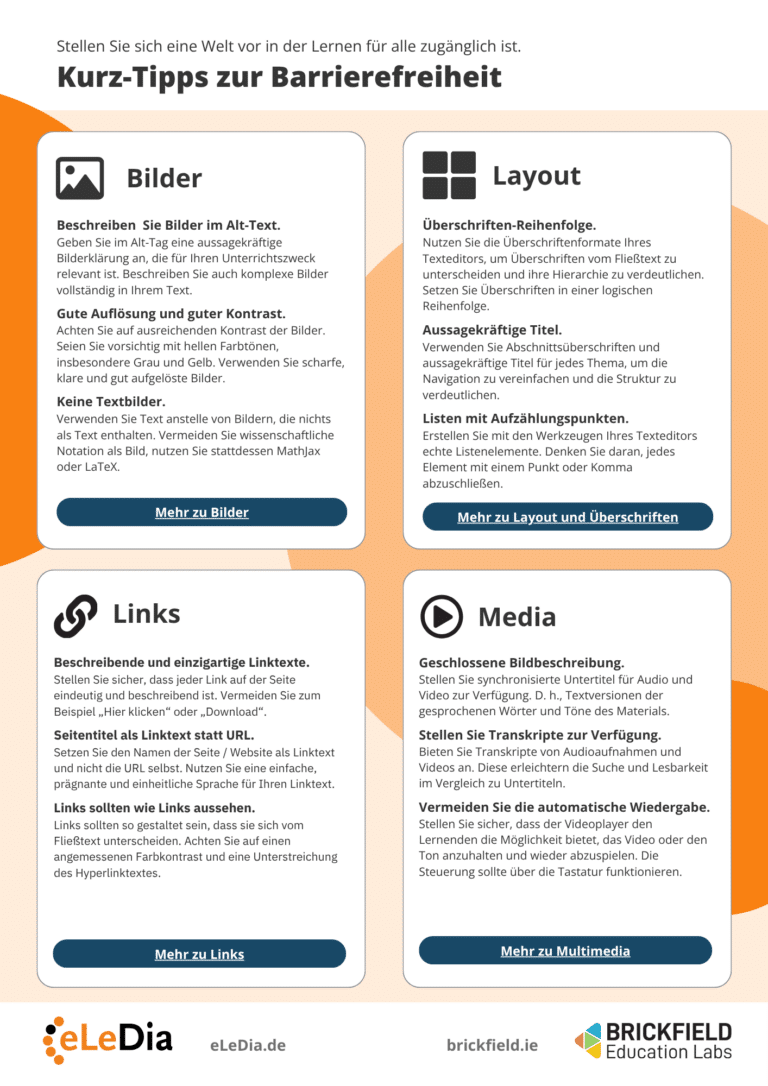
Accessible content often improves overall instructional quality as well, because clearly structured and easily understandable content supports the learning process for everyone. We have compiled a brief overview of the most important points to consider when creating accessible learning materials.